

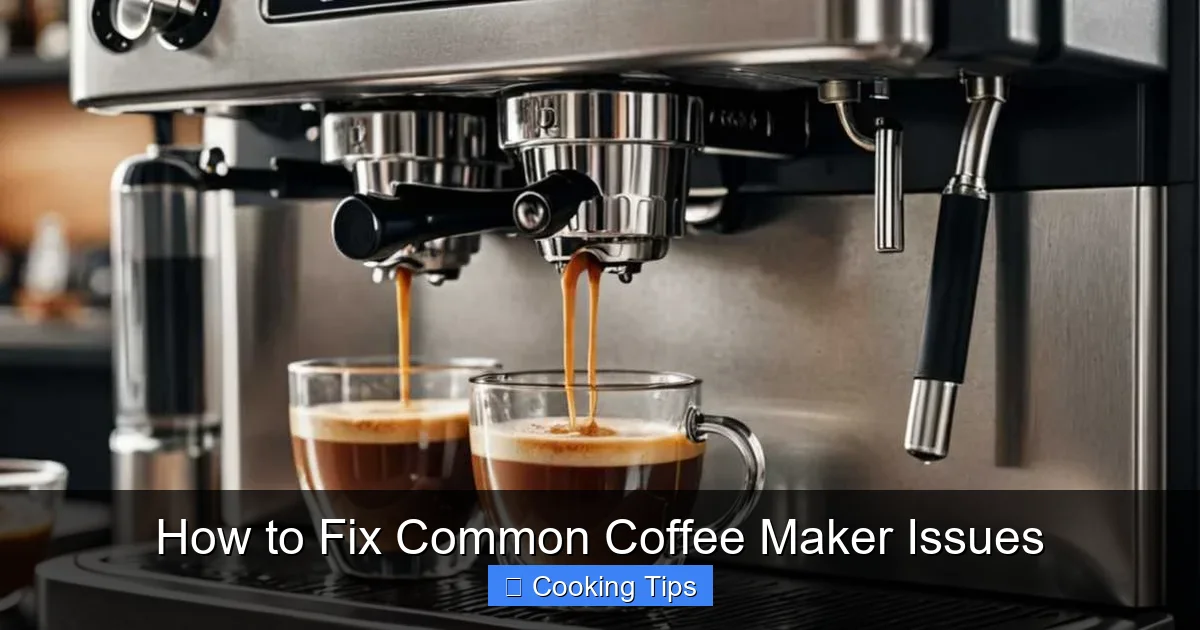
Is your coffee maker acting up? Don’t toss it! This comprehensive 2026 guide empowers you to troubleshoot and fix common coffee maker issues yourself. From slow brewing and leaks to unusual noises and poor taste, we’ll walk you through simple solutions. Learn to extend the life of your appliance and enjoy consistently delicious coffee with these easy-to-follow steps.
How to Fix Common Coffee Maker Issues
Are you tired of waking up to a sputtering, leaky, or just plain bad cup of coffee? In 2026, your trusty coffee maker deserves a second chance before you consider replacing it. Many common coffee maker problems are surprisingly easy to fix with a little know-how and some basic maintenance. This comprehensive guide will equip you with the knowledge to troubleshoot and resolve the most frequent issues, ensuring you can enjoy a perfect brew every single morning. We’ll cover everything from slow brewing and leaks to taste troubles and unusual noises. So, grab your favorite mug, and let’s get your coffee maker back in top shape!
Key Takeaways
- Understand your coffee maker’s anatomy: Knowing the basic parts helps diagnose problems effectively.
- Regular cleaning is crucial: Many issues stem from mineral buildup and coffee residue.
- Address slow brewing: Learn to identify and resolve clogs in the water reservoir or brew basket.
- Fix leaks effectively: Discover the common sources of leaks and how to seal them.
- Improve coffee taste: Simple steps can resolve blandness or bitterness caused by incorrect settings or stale components.
- Troubleshoot unusual noises: Understand what sounds indicate and how to silence them.
- Safety first: Always unplug your coffee maker before attempting any repairs.
Understanding Your Coffee Maker’s Anatomy
Before we dive into troubleshooting, it’s helpful to understand the basic components of most standard drip coffee makers. This will make it easier to pinpoint where a problem might be originating.
Key Components:
- Water Reservoir: Where you fill the water for brewing.
- Heating Element: Heats the water to the optimal brewing temperature.
- Brew Basket/Filter Holder: Where the coffee grounds are placed.
- Carafe: The pot that collects the brewed coffee.
- Showerhead: Distributes hot water evenly over the coffee grounds.
- Sump/Base: Contains the heating element and internal tubing.
- Lid: Covers the brew basket and water reservoir.
Knowing these parts will help you follow the troubleshooting steps more effectively.
Issue 1: Coffee Maker is Brewing Very Slowly or Not at All
This is one of the most common coffee maker frustrations. A slow brew usually indicates a blockage somewhere in the water flow system.
Step 1: Check the Water Reservoir and Filter
H3: Ensure Sufficient Water
It sounds obvious, but first, make sure you’ve added enough water to the reservoir. Sometimes, the water level indicator can be misleading.
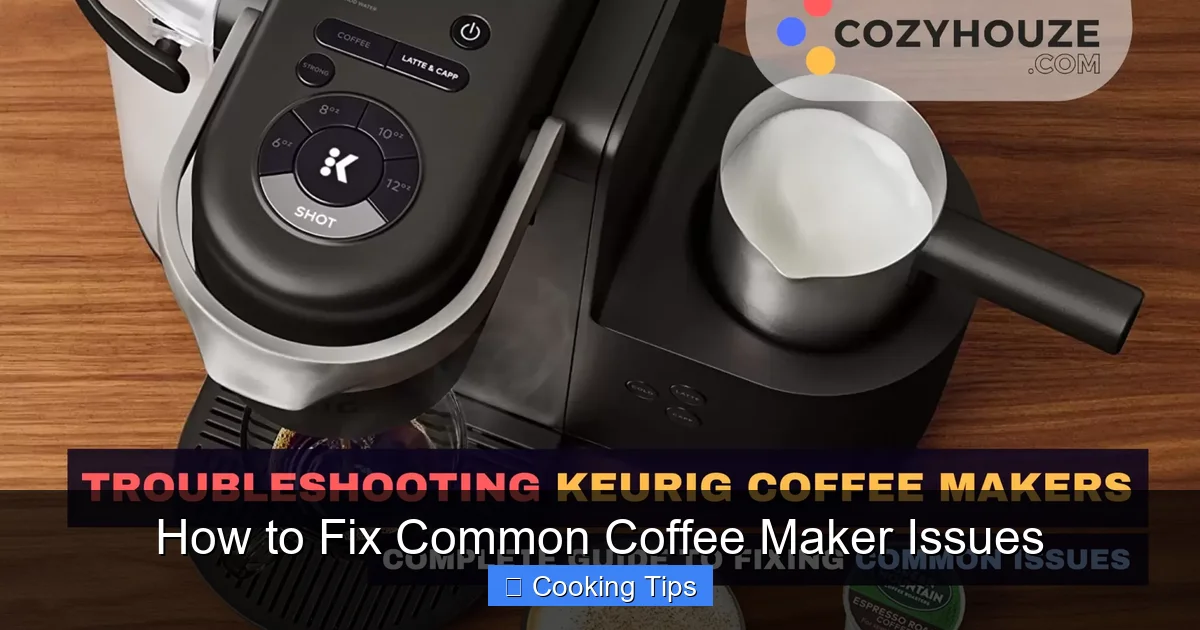
Visual guide about How to Fix Common Coffee Maker Issues
Image source: cozyhouze.com
H3: Inspect the Water Reservoir for Blockages
Mineral deposits from your water can build up and clog the outlet at the bottom of the reservoir. Carefully inspect the opening where water flows out into the heating element. If you see any white, chalky residue, it needs cleaning.
H3: Examine the Brew Basket
Ensure the brew basket is correctly seated and not overflowing with grounds. Too many grounds can impede water flow.
Step 2: Perform a Vinegar Cleaning Cycle
Mineral buildup (scale) is the primary culprit for slow brewing. A vinegar cleaning cycle will dissolve these deposits.
H3: Prepare the Cleaning Solution
Mix equal parts white vinegar and water. For a standard 12-cup coffee maker, this might be about 4-6 cups of vinegar and the same amount of water.
H3: Run the Cleaning Cycle
Pour the vinegar and water solution into the water reservoir. Place an empty carafe on the warming plate. Start a brew cycle. Let the machine brew about half of the solution, then turn it off and let it sit for about 30 minutes. This allows the vinegar to work on the mineral deposits. After 30 minutes, turn the coffee maker back on and let it finish brewing the remaining solution.
H3: Rinse Thoroughly
Discard the vinegar solution. Run at least two full cycles with fresh, clean water to thoroughly rinse out any vinegar residue and smell. If the brewing is still slow after this, you might have a more stubborn clog.
Step 3: Address Stubborn Clogs
If vinegar didn’t fully resolve the issue, you might need to try a dedicated descaling solution or, in rare cases, gently poke at suspected blockages. Always unplug the coffee maker before attempting to physically dislodge anything.
Issue 2: Coffee Maker is Leaking
Leaks can be messy and concerning. Identifying the source is key to fixing them.
Step 1: Identify the Leak Location
Pay close attention to where the water is coming from. Is it dripping from the base, the carafe area, or somewhere else?
Visual guide about How to Fix Common Coffee Maker Issues
Image source: perfectcoffeemakers.com
Step 2: Check the Carafe and Lid
H3: Ensure the Carafe is Properly Seated
Sometimes, the carafe might not be pushed in all the way, or the lid might be misaligned, causing coffee to spill over the sides.
H3: Inspect the Carafe for Cracks
A hairline crack in the carafe can cause slow leaks. Inspect it carefully.
Step 3: Inspect the Water Reservoir and Seals
H3: Check Reservoir Seals
The water reservoir often has seals at the base where it connects to the heating element. If these seals are worn or damaged, they can cause leaks. For most machines, these seals aren’t user-replaceable without significant disassembly. If this is the case, it might be time to consider a new unit.
H3: Examine the Brew Basket Area
Ensure the brew basket is properly placed and not overfilled. Excess grounds or coffee can cause overflow and make it seem like there’s a leak from the machine itself.
Step 4: Look for External Damage
Sometimes, a leak can be due to a crack in the plastic housing of the coffee maker itself. Inspect the exterior for any visible damage.
Issue 3: Coffee Tastes Bland, Bitter, or Burnt
The taste of your coffee is paramount! Here’s how to fix common taste-related issues.
Step 1: Use Fresh, Quality Coffee Beans
This is the most fundamental step. Stale or low-quality beans will always result in subpar coffee, no matter how good your machine is.

Visual guide about How to Fix Common Coffee Maker Issues
Image source: coffeevogue.com
Step 2: Ensure Correct Coffee-to-Water Ratio
The Specialty Coffee Association recommends a ratio of 1:18 (1 gram of coffee to 18 grams of water) for optimal flavor. Experiment within this range to find your preference. Too little coffee leads to blandness; too much can result in bitterness.
Step 3: Clean Your Coffee Maker Regularly
H3: Address Coffee Oil Buildup
Coffee grounds leave behind oils that can turn rancid over time, imparting a bitter or burnt taste. Regular cleaning of the brew basket, carafe, and showerhead is essential. Use warm, soapy water or run a cycle with a coffee maker cleaning solution.
H3: Descale for Pure Flavor
As we saw with slow brewing, mineral buildup affects more than just water flow; it can also impact the temperature and even the taste of your coffee. A vinegar or descaling solution cleaning cycle can revive flavor.
Step 4: Check Water Temperature
Most coffee makers aim for a brewing temperature between 195°F and 205°F (90.5°C to 96°C). If your heating element is failing, the water might not be hot enough, leading to under-extraction and a weak, sour taste. Conversely, water that’s too hot can scorch the grounds, resulting in bitterness.
Troubleshooting Tip: If you suspect temperature issues and your coffee is consistently too cool, it might indicate a failing heating element. Unfortunately, this is rarely a user-serviceable part.
Issue 4: Coffee Maker is Making Unusual Noises
A gurgling sound during brewing is normal, but loud clanking, hissing, or banging can signal a problem.
Step 1: Normal Brewing Sounds
Remember that as water heats up and travels through the system, some gurgling and sputtering is expected. This is the sound of water boiling and steam escaping.
Step 2: Loud Gurgling or Hissing
Excessive gurgling or loud hissing can indicate trapped air in the water line or a partial clog that’s forcing water through at high pressure. A vinegar cleaning cycle should help clear these blockages.
Step 3: Clanking or Banging Sounds
These sounds are less common but can be more serious. They might indicate that internal components are loose or that the heating element is malfunctioning, causing water to boil erratically. If you hear persistent clanking or banging, and cleaning doesn’t resolve it, it might be time to consult your appliance’s manual or consider professional repair/replacement.
Issue 5: Coffee Maker Smells Burnt or Smoky
A burnt smell usually means something is overheating or there’s a buildup of residue.
Step 1: Unplug and Inspect
Immediately unplug your coffee maker. Carefully inspect the area around the heating element (if accessible) and the warming plate for any spilled coffee grounds or debris that could be burning.
Step 2: Clean Thoroughly
H3: Clean the Warming Plate
Use a damp cloth (with the machine unplugged and cooled) to wipe down the warming plate. If there are burnt-on spills, you might need a bit of baking soda paste or a specialized warming plate cleaner.
H3: Deep Clean Internal Components
Run a vinegar cleaning cycle to remove any internal residue that could be causing odors. Ensure you follow up with multiple water-only cycles to rinse.
Step 3: Check the Power Cord and Plug
In rare cases, a burnt smell could indicate an electrical issue with the power cord or plug. Inspect them for any signs of melting, discoloration, or fraying. If you find any damage, do not use the coffee maker and have it inspected by a qualified technician or replace it.
Preventative Maintenance for Your Coffee Maker
The best way to avoid common coffee maker issues is through consistent preventative maintenance.
Regular Cleaning Schedules
- Daily: Rinse the brew basket and carafe after each use. Wipe down the exterior.
- Weekly: Wash the brew basket and carafe with warm, soapy water. Clean the showerhead area with a damp cloth.
- Monthly (or as needed based on water hardness): Perform a vinegar or descaling solution cleaning cycle.
Use Filtered Water
Using filtered water significantly reduces the buildup of minerals in your coffee maker, meaning you’ll need to descale less often and your coffee will taste better.
Proper Usage
- Don’t overfill the brew basket with grounds.
- Ensure the carafe is correctly positioned before brewing.
- Turn off the coffee maker when not in use, especially if it has a manual on/off switch.
When to Call a Professional or Replace Your Coffee Maker
While this guide covers many common fixes, there are times when professional help or a new appliance is the better option.
Signs it’s Time for a New Coffee Maker:
- Persistent leaks that cannot be traced or fixed.
- Electrical smells or visible damage to the power cord/plug.
- The heating element seems to have completely failed (no hot water produced).
- Significant cracks in the machine’s housing.
- If the cost of repair outweighs the cost of a new, comparable machine.
For most simple issues, however, these troubleshooting steps should get your coffee maker brewing delicious coffee again in no time. Enjoy your perfectly brewed cup!
