

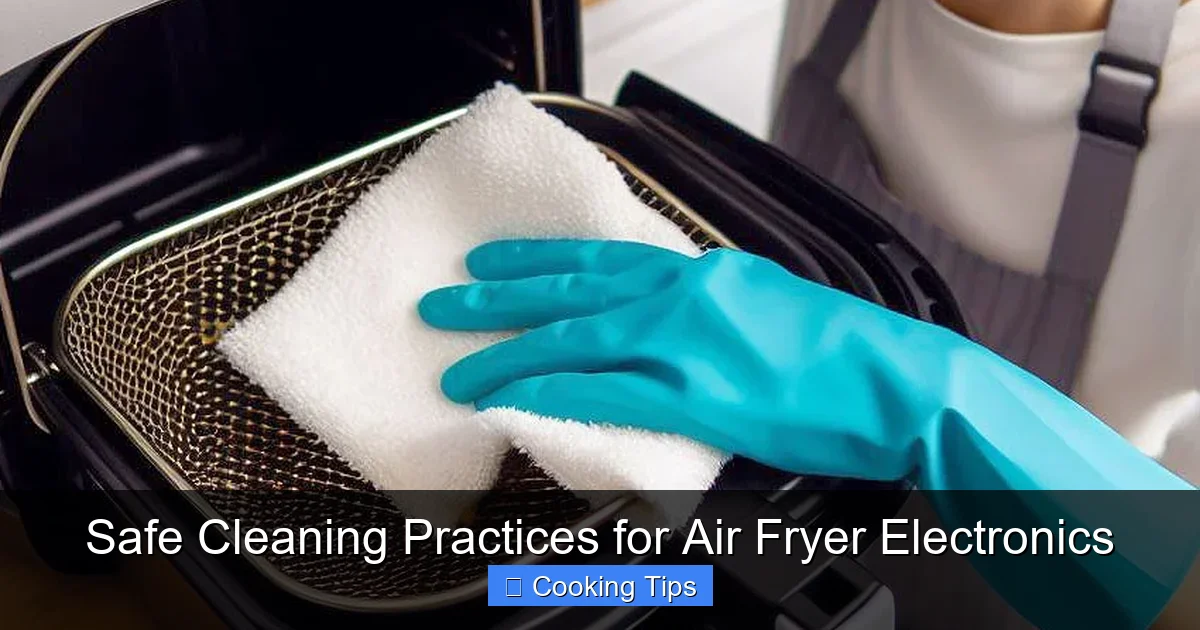
Keeping your air fryer’s electronics clean is crucial for its longevity and performance. This guide provides step-by-step instructions on how to safely clean the electronic components of your air fryer, ensuring it operates efficiently and remains a reliable kitchen companion. By following these simple and effective cleaning practices, you can prevent potential issues and extend the lifespan of your appliance.
Are you looking to keep your air fryer running smoothly and safely for years to come? As air fryers become a staple in our kitchens, understanding how to properly care for their electronic components is essential. Unlike the food basket or tray, the electronic parts of your air fryer require a gentler, more precise approach to cleaning. This comprehensive guide will walk you through safe and effective practices for cleaning your air fryer electronics in 2026. We’ll cover everything from initial preparation to specific cleaning techniques, ensuring you can maintain your appliance without risking damage.
Your air fryer is more than just a cooking gadget; it’s a piece of technology. The control panel, the internal wiring, and the heating elements are all sensitive to moisture and harsh chemicals. Improper cleaning can lead to malfunctioning buttons, electrical shorts, or even permanent damage. By the end of this guide, you’ll feel confident in your ability to clean your air fryer electronics, prolonging its life and ensuring safe operation every time you cook.
Key Takeaways
- Unplug First, Always: Disconnecting the air fryer from power is the most critical safety step before any cleaning begins.
- Gentle is Key: Avoid harsh chemicals, abrasive scrubbers, and excessive moisture to protect delicate electronic parts.
- Focus on the Exterior: Most electronic cleaning involves wiping down the outer surfaces of the appliance.
- Control Moisture: Damp cloths are ideal; never spray liquids directly onto the control panel or vents.
- Regular Maintenance Prevents Problems: Consistent, gentle cleaning is better than infrequent deep cleans.
- Consult Your Manual: Always refer to your specific air fryer’s user manual for manufacturer-approved cleaning methods.
Understanding Your Air Fryer’s Electronics
Before we dive into cleaning, let’s quickly identify the electronic components you’ll be interacting with. Most air fryers have a control panel, which can be digital or analog. This panel houses buttons, touch screens, or knobs that control temperature, time, and cooking modes. You might also see ventilation grilles, which allow heat to dissipate. While you won’t be directly cleaning internal wiring, understanding where these components are helps in avoiding accidental damage.
The Golden Rule: Safety First!
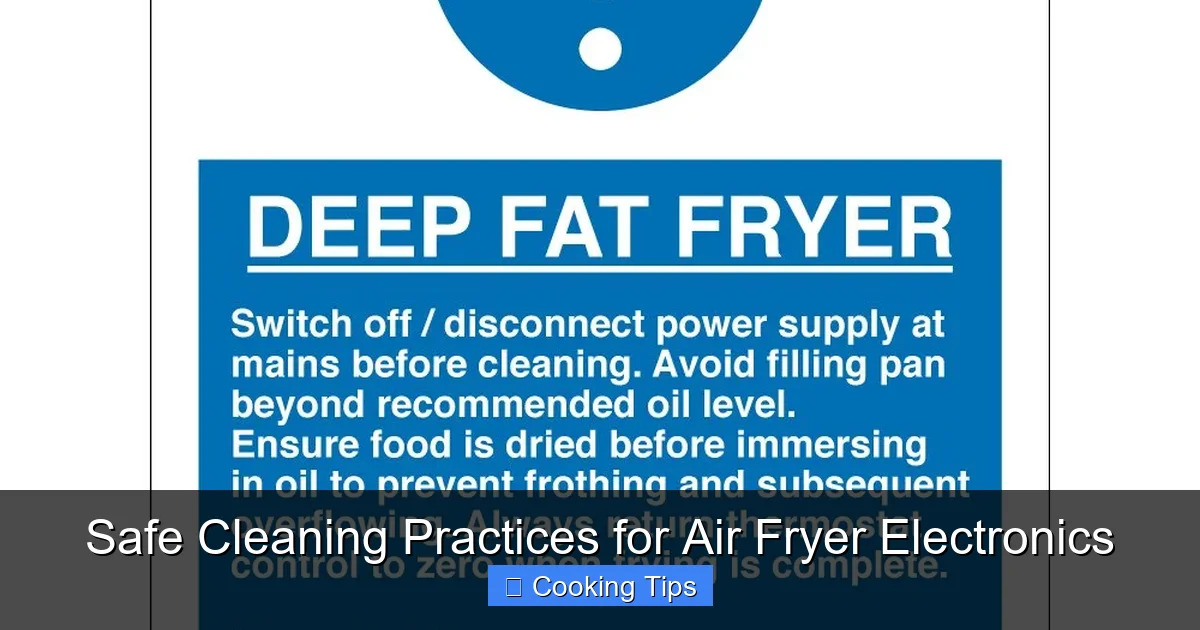
This cannot be stressed enough. Always unplug your air fryer from the electrical outlet before you begin any cleaning. This is the most crucial safety precaution. Never attempt to clean any part of the appliance, especially the electronics, while it is plugged in. This prevents the risk of electric shock and protects the appliance from short circuits.
Step-by-Step Guide to Cleaning Air Fryer Electronics
Now, let’s get down to the practical steps. Remember, the key here is gentleness and control.
Step 1: Preparation and Initial Inspection
The first step in any cleaning process is to prepare your workspace and assess the situation.
Cool Down Time
Ensure your air fryer has completely cooled down. Attempting to clean a warm or hot appliance can cause burns and may damage certain materials.
Visual guide about Safe Cleaning Practices for Air Fryer Electronics
Image source: keysigns.co.uk

Visual guide about Safe Cleaning Practices for Air Fryer Electronics
Image source: cdn.apartmenttherapy.info
Visual guide about Safe Cleaning Practices for Air Fryer Electronics
Image source: cdn1.iconfinder.com
Gather Your Supplies
You’ll need a few simple items:
- Soft, lint-free cloths (microfiber cloths are excellent)
- A small bowl of lukewarm water
- Mild dish soap (optional, and only for the very stubborn spots on the exterior of the control panel, never directly on electronics)
- Cotton swabs or earbuds
- A dry, clean cloth for buffing
Avoid using abrasive sponges, steel wool, harsh chemical cleaners like bleach or oven cleaner, or aerosol sprays, as these can damage the electronic components and the appliance’s finish.
Unplug the Air Fryer
As mentioned, this is paramount. Ensure the plug is completely removed from the wall socket.
Step 2: Cleaning the Control Panel
The control panel is the most visible and frequently touched electronic part of your air fryer.
Wipe Down with a Damp Cloth
Dip a soft, lint-free cloth into the lukewarm water. Wring it out thoroughly until it is just damp, not wet. Excess water is your enemy when it comes to electronics.
Gently wipe down the surface of the control panel. If you have a digital display, be extra careful not to press too hard. For touch screen panels, a gentle swipe is all that’s needed to remove fingerprints and light grime.
Addressing Stubborn Spots (If Necessary)
For any sticky residue or tougher spots on the control panel’s surface (not buttons themselves), you can add a tiny drop of mild dish soap to your damp cloth. Again, wring it out extremely well.
Clean the affected area with the slightly soapy cloth, then immediately wipe it down again with a separate cloth dampened only with clean water to remove any soap residue.
Using Cotton Swabs for Crevices
For tight spaces around buttons or along the edges of the control panel, a cotton swab or earbud can be very useful. Dampen the tip of the cotton swab very lightly with water and gently clean these areas. Be careful not to let any moisture seep into button gaps.
Drying and Buffing
After cleaning, use a dry, clean, lint-free cloth to gently buff the control panel dry. This will remove any remaining moisture and leave the surface looking clean and streak-free.
Step 3: Cleaning Vents and Exterior Casing
While not strictly “electronics” in the same way as the control panel, the vents and exterior casing are integral to the safe operation of your air fryer’s electronic components.
Cleaning the Vents
Air fryer vents are crucial for preventing overheating. Dust and debris can accumulate here, hindering airflow.
Use a dry, soft brush or a lint-free cloth to gently dust the exterior of the vents. For any buildup inside the vents that you can reach, a dry cotton swab can be used carefully.
Important Note: Never insert anything sharp or wet into the vents. You are only aiming to remove loose dust and debris from the accessible exterior surfaces.
Wiping Down the Exterior Casing
The outer casing of your air fryer can be cleaned similarly to the control panel, but with slightly more leeway regarding dampness, as long as you avoid electrical components.
Use a damp (not wet) lint-free cloth to wipe down the exterior. For tougher grease splatters, a tiny amount of mild dish soap on the damp cloth is acceptable, followed by a clean, damp cloth to rinse, and then a dry cloth to buff.
Be particularly careful around any labels or printed instructions on the casing, as harsh cleaning can cause them to fade.
Step 4: Drying and Reassembly
The final steps involve ensuring everything is dry and ready for the next use.
Allow to Air Dry
Even after wiping with a dry cloth, it’s a good practice to let the air fryer sit for a while to ensure any residual moisture has evaporated completely, especially around the control panel and vents.
Reconnect Power
Once you are absolutely certain that all parts, especially the electronic components, are dry, you can plug your air fryer back into the electrical outlet.
Practical Tips for Maintaining Air Fryer Electronics
Beyond regular cleaning, adopting good habits can significantly extend the life of your air fryer’s electronics.
- Avoid Overcrowding: While this is a cooking tip, it also indirectly helps electronics. Overcrowding can cause the air fryer to work harder and generate more heat, potentially stressing components over time.
- Proper Placement: Ensure your air fryer is on a stable, flat surface with adequate ventilation around it. Avoid placing it near heat sources or in humid environments.
- Handle with Care: Avoid banging or dropping the air fryer, as this can dislodge internal wiring or damage sensitive electronic parts.
- Read Your Manual: Every air fryer model is slightly different. Your user manual is the best resource for specific cleaning instructions and warnings for your particular appliance. It might have model-specific advice you won’t find elsewhere.
- Regular but Gentle: Don’t wait for visible grime. A quick wipe-down of the control panel after each use (once cooled, of course) with a dry or very lightly damp cloth can prevent buildup.
Troubleshooting Common Issues with Air Fryer Electronics
Sometimes, despite our best efforts, electronic issues can arise. Here are a few common ones and how they might relate to cleaning:
Buttons Not Responding
Possible Cause: Spilled liquid seeped into the button mechanism or residue buildup.
Solution: Ensure the unit is unplugged. Try cleaning gently with a slightly damp cotton swab around the unresponsive buttons. If the issue persists, it might require professional repair.
Display Flickering or Not Lighting Up
Possible Cause: Loose connection, moisture intrusion, or power surge.
Solution: Double-check that the air fryer is properly plugged in. If cleaning was recent, ensure no moisture is trapped. If the problem continues, it’s time to contact customer support or a repair technician.
Unusual Noises or Smells from the Control Area
Possible Cause: Debris trapped in vents or internal component issue.
Solution: Unplug immediately. Gently clean external vents as described earlier. If the smell or noise persists, do not use the appliance and seek professional help. This could indicate a more serious internal problem.
Conclusion
Caring for your air fryer’s electronics doesn’t have to be daunting. By following these safe cleaning practices, focusing on gentle techniques, and always prioritizing safety by unplugging the appliance, you can maintain your air fryer’s optimal performance and longevity. Remember, a clean air fryer is a happy and efficient air fryer, ready to whip up your favorite meals for years to come. Embrace these simple steps, and enjoy the benefits of a well-maintained kitchen appliance in 2026 and beyond!
