

Detecting faulty sensors in digital machines is crucial for maintaining optimal performance and preventing costly breakdowns. This guide offers a systematic approach to diagnosing sensor issues, from visual inspections to utilizing diagnostic tools. By following these steps, you’ll be equipped to identify common sensor malfunctions and implement solutions, ensuring your digital devices run smoothly. Don’t let faulty sensors disrupt your workflow; learn how to fix them today!
Key Takeaways
- Identify the symptoms: Recognize common indicators of sensor failure, such as erratic behavior, error codes, or inconsistent outputs.
- Visual inspection is key: Start by physically examining sensors for obvious signs of damage, corrosion, or loose connections.
- Understand sensor types: Familiarize yourself with different sensor technologies and their typical failure modes.
- Consult the manual: Always refer to the machine’s operating manual for specific diagnostic procedures and sensor locations.
- Utilize diagnostic tools: Learn how to use multimeters, oscilloscopes, and diagnostic software to test sensor readings.
- Test sensor inputs/outputs: Verify that sensors are receiving the correct signals and transmitting accurate data.
- Consider environmental factors: Understand how temperature, humidity, and electrical interference can affect sensor performance.
How to Check for Faulty Sensors in Digital Machines
Digital machines are complex systems, and at their heart, they rely on a network of sensors to gather information about their environment and operational status. These sensors are the eyes and ears of your digital devices, feeding vital data to the central processing unit. When a sensor malfunctions, it can lead to a cascade of problems, from minor glitches to complete system failure. This guide will walk you through the process of identifying and checking for faulty sensors in your digital machines, empowering you to keep your technology running at its best. We’ll cover everything from simple visual checks to more advanced diagnostic techniques.
Understanding Sensor Functionality
Before you can identify a faulty sensor, it’s helpful to understand what sensors do. In digital machines, sensors measure physical quantities like temperature, pressure, light, motion, or electrical current. They convert these physical properties into electrical signals that the machine’s control system can interpret. For example, a temperature sensor in your computer monitors the CPU’s heat, and if it detects overheating, it signals the system to slow down or shut off to prevent damage. In a modern appliance like a smart oven, temperature sensors ensure precise cooking temperatures, while proximity sensors might detect when the door is closed.
Recognizing the Signs of a Faulty Sensor
Faulty sensors don’t always announce their failure with a flashing red light. Often, the symptoms are more subtle. Learning to recognize these indicators is the first step in troubleshooting.
Common Symptoms to Watch For
- Inconsistent Performance: Does your machine behave erratically? Does it perform tasks intermittently or with varying degrees of success? This could point to a sensor that’s providing unreliable data.
- Error Codes and Diagnostic Messages: Many digital machines will display specific error codes or messages when a sensor is not functioning correctly. Consult your machine’s manual to understand what these codes mean.
- Unusual Noises or Vibrations: Sometimes, a failing sensor can cause other components to work harder or in an uncoordinated manner, leading to strange sounds or vibrations.
- Reduced Functionality: If certain features of your machine stop working altogether, a critical sensor might be the culprit.
- Overheating or Underheating: For machines that regulate temperature, a faulty temperature sensor is a common cause of incorrect temperature readings.
- Slowed Operation: Sometimes, a machine might slow down as a protective measure if it’s receiving incorrect data that suggests a potentially damaging condition.
Step-by-Step Sensor Checking Process
Once you suspect a sensor issue, a methodical approach is necessary. This process can be broken down into several key stages.
Step 1: Consult Your Machine’s Manual
This might seem obvious, but your machine’s operating manual is an invaluable resource. It will detail the location of specific sensors, their intended function, and often, recommended diagnostic procedures.
Locating Sensors
Your manual should have diagrams or descriptions that help you pinpoint the exact location of the sensors you need to check. Some sensors are easily accessible, while others might be buried deep within the machine’s components.
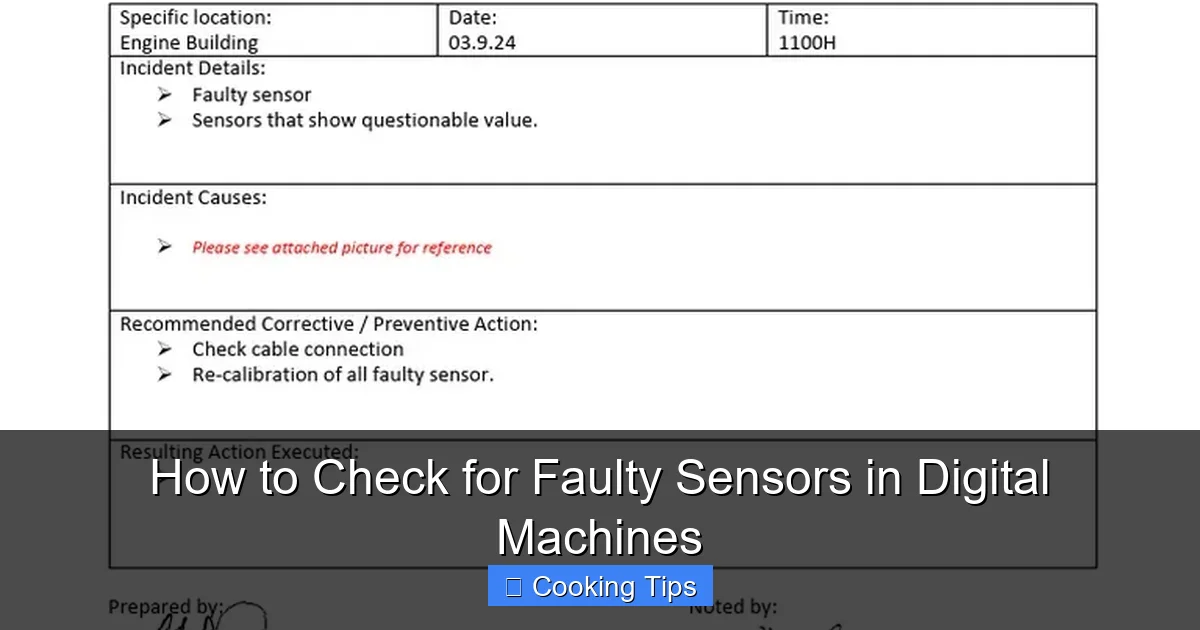
Visual guide about How to Check for Faulty Sensors in Digital Machines
Image source: imgv2-1-f.scribdassets.com
Understanding Error Codes
If your machine has displayed an error code, the manual will explain what that code signifies. This can often narrow down your search to a specific sensor or system.
Step 2: Perform a Visual Inspection
This is the simplest yet often most effective diagnostic step. A physical examination can reveal obvious problems that a machine’s internal diagnostics might miss.
Checking for Physical Damage
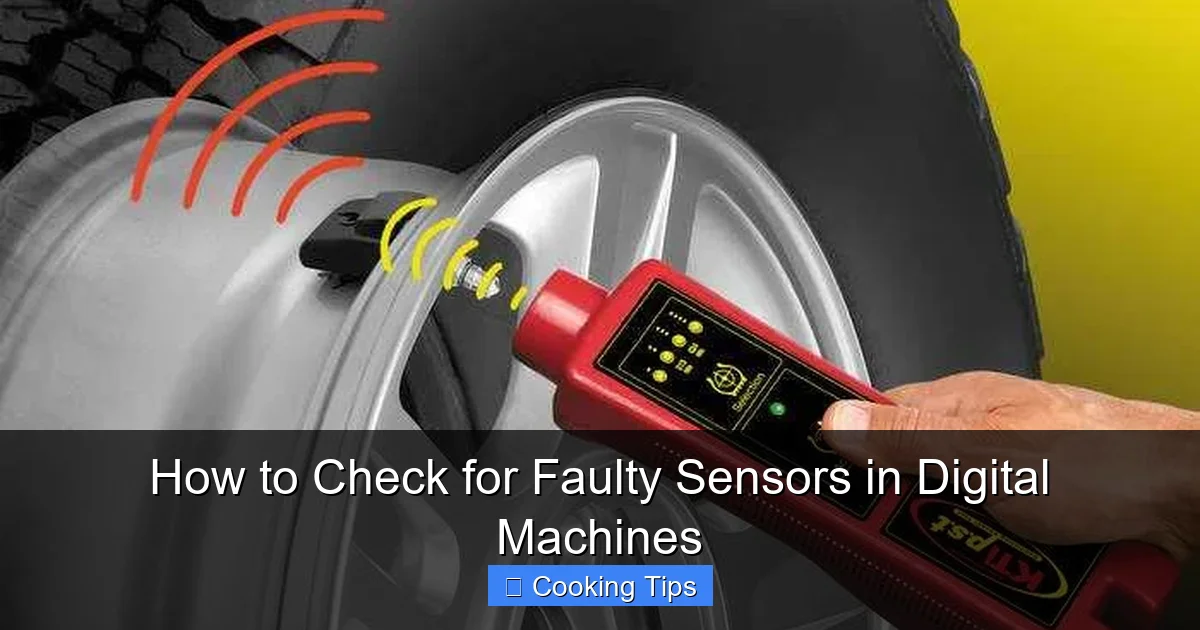
Carefully examine each suspect sensor. Look for any signs of:
Visual guide about How to Check for Faulty Sensors in Digital Machines
Image source: kitchenadvising.com
- Cracks or Fractures: Physical damage can compromise the sensor’s internal workings.
- Corrosion: Especially in environments with moisture, corrosion can build up on sensor contacts, hindering conductivity.
- Burn Marks or Discoloration: These indicate that the sensor may have overheated.
- Loose Components: Ensure that the sensor is securely mounted and not rattling or loose.
Inspecting Connections
Sensors connect to the machine’s circuitry via wires or connectors. Check these connections for:
- Loose Wires: A wire that has come undone will prevent the sensor from transmitting data.
- Frayed or Damaged Insulation: This can lead to short circuits or intermittent connections.
- Corroded or Dirty Connectors: Clean connectors ensure good electrical contact. You might need a specialized contact cleaner for this.
Step 3: Test Sensor Inputs and Outputs
This stage requires more technical skill and potentially some tools, but it’s crucial for verifying sensor functionality.
Using a Multimeter
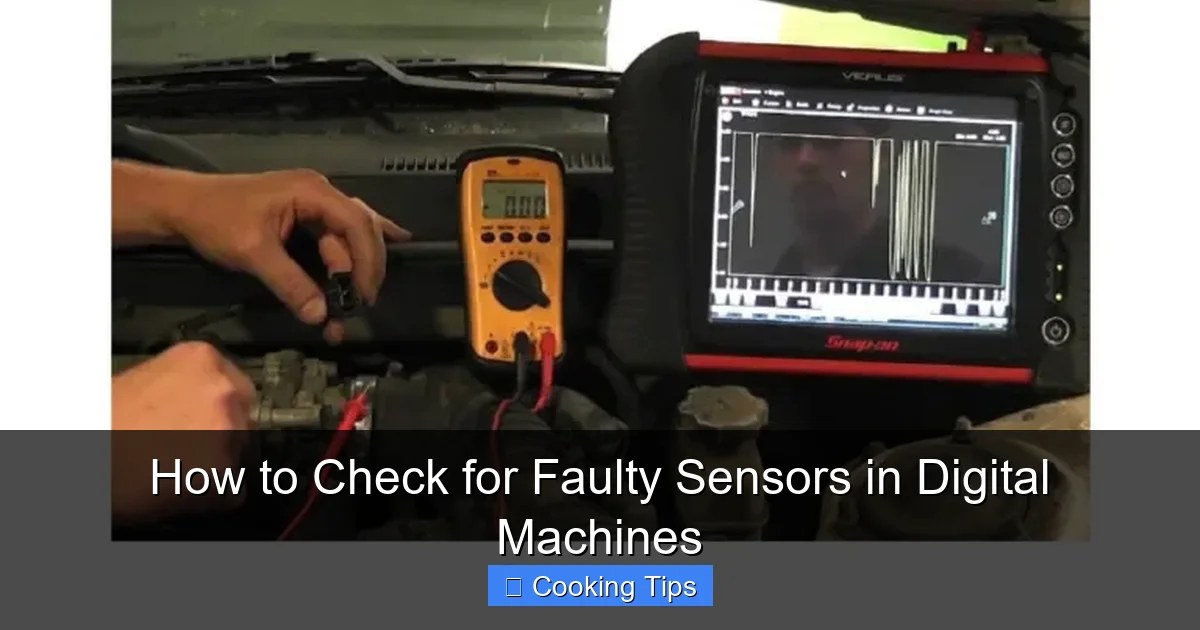
A multimeter is a versatile tool that can measure voltage, current, and resistance. Many sensors output a voltage or resistance that changes based on the physical quantity they are measuring.

Visual guide about How to Check for Faulty Sensors in Digital Machines
Image source: kewaunee.in
Testing Resistance:
If the sensor is a passive component (like a thermistor), you can measure its resistance at different temperatures or conditions. Compare the readings to the sensor’s specifications in the manual.
Testing Voltage Output:
For active sensors, you’ll want to measure the voltage output while the machine is operating (if safe to do so). You’ll need to know what voltage range the sensor should be outputting under specific conditions.
Understanding Sensor Signals
Some sensors provide a more complex signal, like a Pulse Width Modulation (PWM) signal. For these, an oscilloscope can be very helpful in visualizing the signal’s waveform and checking for anomalies.
Step 4: Consider Environmental Factors
Sometimes, sensors aren’t faulty themselves but are giving incorrect readings due to external influences.
Temperature and Humidity
Extreme temperatures or high humidity can affect the performance of some sensors. Ensure the sensor is operating within its specified environmental limits.
Electrical Interference
Electromagnetic interference (EMI) from other electronic devices or power sources can sometimes corrupt sensor readings. Try to operate the machine in an environment with minimal interference, if possible, to see if the issue resolves.
Step 5: Isolate and Test Individual Sensors
If you have multiple suspect sensors, it’s best to test them one by one.
Systematic Elimination
If you can, disconnect one sensor at a time and observe if the machine’s behavior changes. If the problem disappears after disconnecting a specific sensor, you’ve likely found your culprit.
Swapping Sensors (if applicable)
In some simpler systems, if you have identical sensors, you might be able to swap a suspected faulty sensor with a known good one to see if the problem follows the sensor.
Troubleshooting Common Sensor Issues
While the steps above cover general diagnostics, here are a few common sensor types and their specific troubleshooting tips.
Temperature Sensors
Symptoms: Overheating, underheating, fan running constantly or not at all.
Checks: Visually inspect for dust or debris blocking airflow. Use a multimeter to check resistance at room temperature and compare to specs. Gently clean the sensor if dirty.
Proximity Sensors
Symptoms: Machine not starting, doors not registering as closed, unexpected stops.
Checks: Ensure there are no obstructions between the sensor and the target object. Clean the sensor face. Test for voltage output while a target object is present.
Pressure Sensors
Symptoms: Incorrect fluid levels, pump not engaging, system pressure warnings.
Checks: Ensure the sensor’s port is not clogged. Check for leaks around the sensor fitting. Test voltage output or resistance as per the manual.
Replacing a Faulty Sensor
Once you’ve confirmed a sensor is faulty, replacement is usually the next step.
Obtain the Correct Replacement Part
Ensure you have the exact part number for the sensor. Using an incorrect sensor can lead to further problems.
Follow Installation Instructions
Install the new sensor carefully, ensuring all connections are secure. Refer to your manual for any specific installation guidelines.
Conclusion
Checking for faulty sensors in digital machines is a skill that can save you time and money. By adopting a systematic approach, from understanding sensor roles to performing detailed inspections and using diagnostic tools, you can effectively identify and resolve sensor-related issues. Remember to always prioritize safety, consult your machine’s manual, and when in doubt, seek professional assistance. Keeping your digital machines in good working order ensures their longevity and reliable performance.
