

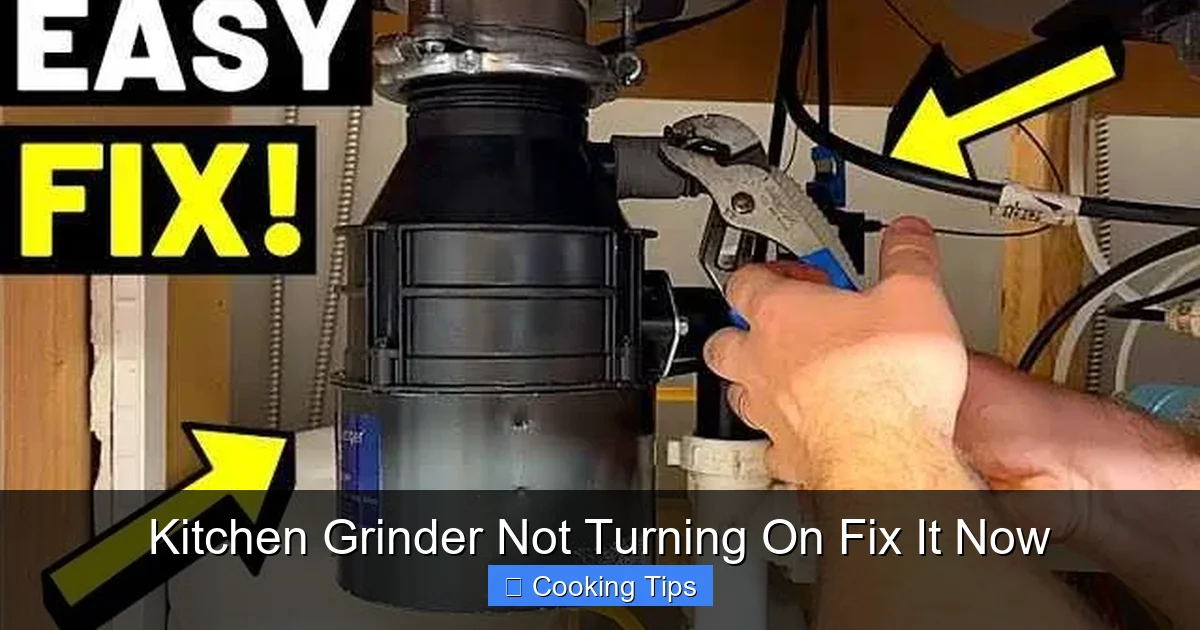
Your kitchen grinder is a lifesaver, but what happens when it refuses to turn on? Don’t despair! This comprehensive guide walks you through the most common reasons your kitchen grinder might be silent. We’ll cover simple checks like power sources and reset buttons, delve into potential internal issues, and offer practical troubleshooting steps. Get your kitchen grinder back in action and ready for your next culinary creation with these easy-to-follow solutions.
Kitchen Grinder Not Turning On Fix It Now
That moment when you need your trusty kitchen grinder, and it stays stubbornly silent, can be incredibly frustrating. Whether you’re looking to grind coffee beans for your morning brew, spice up a meal with freshly ground herbs, or tackle a DIY project involving nuts and seeds, a non-functional grinder throws a wrench in your plans. But before you relegate it to the back of the cupboard or rush out to buy a new one, take a deep breath. Most of the time, a kitchen grinder that won’t turn on has a simple fix. This guide will walk you through a series of troubleshooting steps, from the most basic checks to slightly more involved solutions, to help you get your kitchen grinder back up and running in no time.
We’ll cover everything you need to know to diagnose the problem and perform the necessary repairs yourself. You’ll learn how to verify power connections, identify and reset safety mechanisms, and even some basic maintenance that can prevent future issues. Let’s get your kitchen grinder humming again!
Key Takeaways
- Check the Power Source First: Always start with the simplest explanations, ensuring the grinder is properly plugged in and the outlet is functional.
- Look for the Reset Button: Many grinders have a thermal overload protector that needs to be reset after overheating.
- Inspect the Cord and Plug: Damaged cords or plugs are a common cause of power failure and pose safety risks.
- Understand Internal Safety Features: Grinders often have interlock mechanisms that prevent operation if not assembled correctly.
- Cleanliness is Key: Food debris can sometimes interfere with the grinder’s operation and internal components.
- When to Call a Professional: Recognize when a problem is beyond DIY repair and it’s safer to seek expert help for your kitchen grinder.
Step 1: The Obvious Checks – Power and Connections
Before we dive into anything complex, let’s ensure we’ve covered the absolute basics. It’s amazing how often the simplest things are overlooked when we’re in a hurry or feeling stressed.
Is it Plugged In Properly?
This might sound incredibly basic, but double-check that the grinder’s plug is firmly seated in the electrical outlet. Sometimes, a slight nudge can loosen a connection without you realizing it. Make sure it’s pushed in all the way.
Test the Outlet
The problem might not be with your kitchen grinder at all. The electrical outlet it’s plugged into could be the culprit. Here’s how to test it:
- Use Another Appliance: Plug a known working appliance, like a toaster or a lamp, into the same outlet. If that appliance also doesn’t turn on, the problem is with the outlet or your home’s circuit breaker.
- Check the Circuit Breaker: Locate your home’s electrical panel. Look for a switch that’s in the “off” position or halfway between “on” and “off.” If you find one, flip it completely to the “off” position and then back to the “on” position.
- GFCI Outlets: If the outlet is a Ground Fault Circuit Interrupter (GFCI) outlet (the ones with “Test” and “Reset” buttons, often found in kitchens and bathrooms), press the “Reset” button firmly. Sometimes these can trip due to power surges.
Inspect the Power Cord and Plug
Carefully examine the entire length of the power cord and the plug itself. Look for any signs of damage:
- Cuts or Fraying: If you see any exposed wires, nicks, or fraying, this is a serious safety hazard. Do not attempt to use the grinder. The cord will need to be replaced, which often means replacing the entire grinder or having it professionally repaired.
- Bent or Damaged Pins: Ensure the pins on the plug are straight and not bent or broken. Bent pins can prevent a proper connection.
- Overheating Signs: Check if the plug or cord feels unusually hot to the touch (even when not in use, though this is rare). Discoloration around the plug can also indicate overheating.
Step 2: The Reset Button – Your Grinder’s Safety Net
Many electric kitchen grinders are equipped with a thermal overload protector. This is a safety feature designed to prevent the motor from overheating and sustaining damage. If the grinder has been used for an extended period, especially for tough grinding tasks, it might have overheated and tripped this protection. Fortunately, resetting it is usually straightforward.

Visual guide about Kitchen Grinder Not Turning On Fix It Now
Image source: orpatgroup.com
Locate the Reset Button
The reset button is typically a small, red or black button located on the underside or the back of the grinder’s base. It might be recessed, requiring you to press it with the tip of a pen or a similar object.
Press the Reset Button
Once you’ve found it, press the button firmly. You might feel or hear a slight click, indicating that it has been reset. After pressing the reset button, wait for about 15-30 minutes to allow the motor to cool down completely before attempting to turn the grinder on again.
Testing After Reset
After waiting, plug the grinder back in and try to operate it. If it turns on, the thermal overload was the issue. If it still doesn’t work, move on to the next steps. If the grinder overheats and trips the reset button repeatedly, it might indicate that the grinder is working too hard, the motor is failing, or you’re trying to grind something too tough for it. In such cases, consider lighter loads or consulting the manual.
Step 3: Assembly and Interlock Mechanisms
Modern kitchen grinders, especially those with removable parts like hoppers or grinding chambers, often have safety interlock mechanisms. These are designed to prevent the grinder from operating if a component isn’t correctly in place. This is a crucial safety feature, but it can also be the reason your grinder appears dead.

Visual guide about Kitchen Grinder Not Turning On Fix It Now
Image source: i.insider.com
Ensure All Parts are Securely Attached
Disassemble the grinder according to the manufacturer’s instructions, if applicable. Then, carefully reassemble it, ensuring that each part clicks or locks firmly into place. Pay close attention to:
- Lids and Covers: Make sure the lid or cover is securely fastened. There’s usually a small switch or sensor that the lid engages.
- Grinding Chamber: Ensure the grinding chamber or bowl is seated correctly on the base.
- Hopper: If your grinder has a separate hopper, confirm it’s attached properly and locked.
Check for Obstructions
While you’re reassembling, take the opportunity to check for any food debris, foreign objects, or parts that might be jamming the grinding mechanism. Even a small obstruction can prevent the motor from engaging or the safety interlock from functioning.
Manual Check of Interlock Switches
Some grinders have small switches or buttons that are pressed when a component is in place. You might need to refer to your grinder’s manual to identify these. In some cases, you can gently press these switches with your finger to see if they engage properly. Be extremely cautious when doing this and ensure the grinder is unplugged. If you suspect a faulty interlock switch, it may require professional repair.
Step 4: Cleaning and Maintenance – Preventing Future Problems
Sometimes, a grinder that won’t turn on is simply suffering from a buildup of residue or a lack of basic maintenance. Regular cleaning can prevent many common issues and keep your appliance running smoothly.

Visual guide about Kitchen Grinder Not Turning On Fix It Now
Image source: ae01.alicdn.com
Deep Clean the Grinder
Unplug the grinder and carefully disassemble it as much as possible. Use a soft brush, a damp cloth, and mild soap to clean all removable parts. For stubborn residue, a solution of warm water and vinegar can be effective. Ensure all parts are completely dry before reassembling. Pay special attention to the grinding blades and the areas where parts connect, as these are common spots for debris to accumulate.
Check for Worn Parts
While cleaning, inspect the grinding blades for any signs of wear, dullness, or damage. Damaged blades can put extra strain on the motor, potentially leading to overheating or even failure. Similarly, check any seals or gaskets for signs of wear and tear. Worn-out components might need replacement.
Lubrication (If Applicable)
Some grinders may have parts that require occasional lubrication. Consult your owner’s manual to see if this applies to your model and what type of lubricant is recommended. Never use general-purpose lubricants unless explicitly stated by the manufacturer.
Step 5: When It’s More Than Just a Simple Fix
If you’ve gone through all the steps above and your kitchen grinder still refuses to turn on, it’s possible that there’s a more significant internal issue. At this point, it’s often safer and more cost-effective to consider professional repair or replacement.
Internal Motor Issues
The motor itself might have failed. This is usually indicated by a complete lack of response, no humming sound, no attempt to turn, and no tripped breakers. Motor failure often requires replacement of the entire grinder, as motor repairs can be expensive and complex.
Faulty Wiring or Electronics
There could be a problem with the internal wiring of the grinder or with the electronic components that control its operation. This is beyond the scope of DIY repair for most people and carries a risk of electric shock if attempted without proper knowledge.
Damage to Internal Components
Other internal components, such as the drive shaft or gears, could be damaged. This might happen if the grinder was dropped, subjected to extreme force, or if a foreign object caused internal breakage.
Troubleshooting Recap: Quick Checklist
Here’s a quick rundown of what to check if your kitchen grinder is not turning on:
- Power: Is it plugged in? Is the outlet working? Is the circuit breaker tripped?
- Reset Button: Has it been tripped? Try pressing it. Wait for cooling.
- Assembly: Are all parts (lid, chamber, hopper) securely in place?
- Obstructions: Is anything jamming the mechanism?
- Cord/Plug: Is the power cord or plug damaged?
- Cleaning: Is there excessive debris?
Conclusion: Get Grinding Again!
Dealing with a kitchen grinder that won’t turn on can be a nuisance, but as you’ve seen, many of the common problems have simple and straightforward solutions. By systematically working through the steps outlined in this guide, you’ve likely identified and resolved the issue. Remember to always prioritize safety by unplugging the appliance before performing any checks or cleaning. From ensuring a solid power connection and testing outlets to locating and resetting the thermal overload protector and verifying correct assembly, these steps empower you to take control. Regular cleaning and maintenance will not only help prevent future problems but also extend the lifespan of your kitchen grinder, keeping it ready for all your culinary adventures.
If, after these troubleshooting steps, your grinder still remains unresponsive, it might be time to consider professional repair services or investing in a new one. However, for most common issues, this guide should help you bring your kitchen grinder back to life. Happy grinding!
