

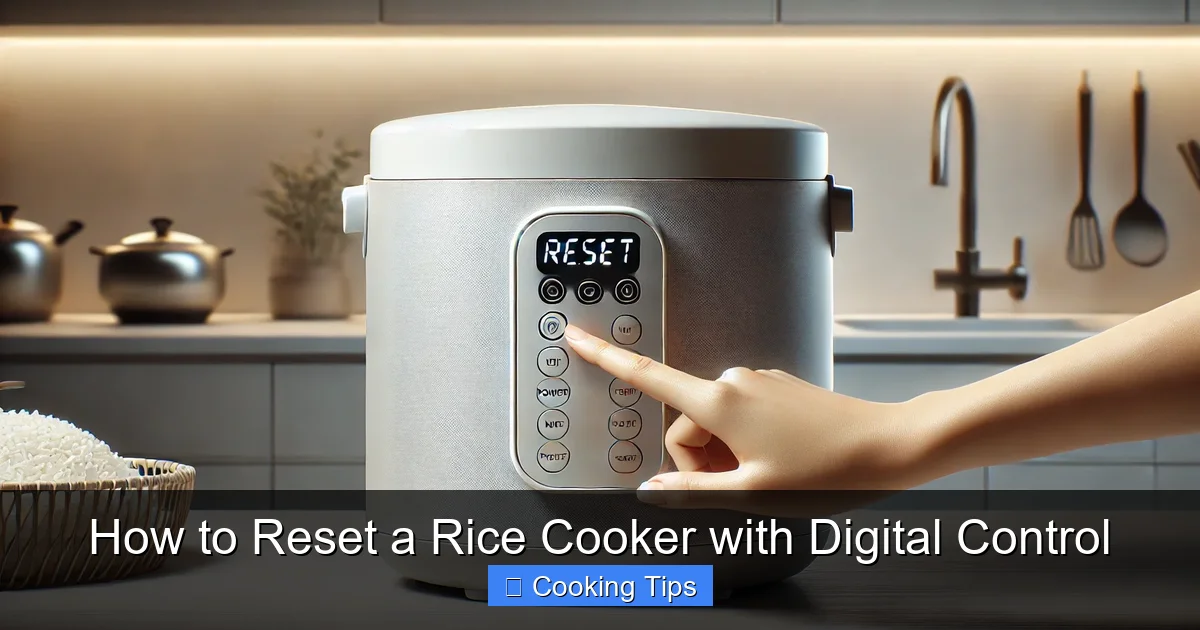
Resetting a digital rice cooker can resolve minor glitches and ensure optimal performance. This guide offers a comprehensive, step-by-step approach, covering power cycles, manual resets, and troubleshooting common issues. By following these instructions, you can easily restore your rice cooker to its factory settings and enjoy perfectly cooked rice every time.
Are you experiencing unusual behavior from your digital rice cooker? Maybe the display is frozen, a function isn’t working correctly, or you’re seeing an unfamiliar error code. Don’t worry! Most of the time, these are minor electronic glitches that can be easily fixed by performing a reset. In this comprehensive guide, we’ll walk you through the simple steps to reset your digital rice cooker, ensuring it’s back to its optimal performance for your next delicious meal. We’ll cover various methods, from a basic power cycle to more involved factory resets, and even touch on some common troubleshooting tips.
### Understanding Why You Might Need to Reset Your Rice Cooker
Digital rice cookers are sophisticated appliances with electronic control panels. Like any electronic device, they can sometimes encounter temporary software bugs or hiccups. These issues can manifest in various ways:
* **Unresponsive Display or Buttons:** The control panel might freeze, making it impossible to select settings or start cooking.
* **Error Codes:** Your rice cooker might display a specific error code that indicates a problem.
* **Inconsistent Cooking Results:** The rice might be undercooked, overcooked, or not cooked evenly.
* **Functions Not Working:** Certain cooking modes or features might fail to operate as intended.
* **Unusual Sounds or Lights:** The appliance might make strange noises or have flashing lights that aren’t part of its normal operation.
Before you panic and think your rice cooker is broken, a simple reset can often resolve these issues. A reset essentially clears the device’s temporary memory and allows it to start fresh.
## Step 1: The Power Cycle – Your First Line of Defense
This is the simplest and most common way to reset many electronic devices, including digital rice cookers. It’s like giving your appliance a quick reboot.
### Unplugging the Rice Cooker
1. Disconnect Power: Locate the power cord of your rice cooker and unplug it from the electrical outlet. Make sure it’s completely disconnected.
2. Wait Patiently: Leave the rice cooker unplugged for at least 5 to 10 minutes. This brief period allows any residual electricity in the internal components to dissipate, effectively clearing the temporary memory. For more stubborn glitches, you might even try waiting 15-30 minutes.
3. Plug Back In: After the waiting period, plug the power cord back into the electrical outlet.
4. Test the Rice Cooker: Turn on your rice cooker and see if the issue has been resolved. Try selecting a basic function like “White Rice” to ensure it’s responding correctly.
**Practical Tip:** If your rice cooker has a removable inner pot, it’s a good idea to remove it before unplugging. This ensures no water is inside that could cause a short circuit when you plug it back in.
## Step 2: Locating and Using a Dedicated Reset Button (If Available)
Some digital rice cooker models are equipped with a physical reset button. This button is often small and recessed, designed to be pressed with a pointed object like a pen tip, paperclip, or toothpick.
### Finding the Reset Button
* Check the Control Panel: Look carefully around the buttons and display screen. It might be labeled “Reset,” “RST,” or have a small circular arrow icon.
* Inspect the Casing: If you don’t see it on the front, check the sides or the back of the rice cooker. Sometimes, the reset button is discreetly placed on the unit’s exterior.
* Consult Your Manual: This is the most reliable way to find the reset button if you’re having trouble locating it. Your rice cooker’s user manual will explicitly show its location.
### Performing the Reset
1. Ensure Power is On: For some models, the reset button only works when the appliance is plugged in and has power. For others, it’s best to do this with the unit unplugged. Refer to your manual for specifics.
2. Use a Pointed Object: Gently press and hold the reset button with a pointed object for a few seconds (usually 5-10 seconds).
3. Listen or Look for Confirmation: You might hear a click, or the display might briefly flash or go blank, indicating that the reset has been initiated.
4. Release the Button: Once the reset is confirmed, release the button.
5. Test the Functionality: Plug the rice cooker back in if you unplugged it, and test its functions.
**Example:** If your Zojirushi rice cooker’s display is frozen, you might look for a small, recessed button near the power cord or on the back of the unit. Pressing it with a pen tip for 5 seconds could resolve the issue.
## Step 3: Performing a Factory Reset (Advanced Method)
If a simple power cycle or pressing a reset button doesn’t solve the problem, your rice cooker might have a factory reset function. This process reverts the appliance to its original settings, as if it were brand new. This is often used to clear persistent error codes or resolve more complex software issues.
**Important Note:** Performing a factory reset will erase any custom settings, timers, or preferences you may have programmed into your rice cooker. You will need to re-enter these after the reset.
### How to Perform a Factory Reset
The procedure for a factory reset is highly model-specific. **It is crucial to consult your rice cooker’s user manual for precise instructions.** However, here are some common methods:
#### Method A: Combination Button Press
Many digital devices require a specific combination of buttons to be pressed simultaneously or in a sequence to initiate a factory reset.
1. Unplug the Rice Cooker: Start by unplugging the appliance from the power source.
2. Identify the Key Buttons: Look at your control panel. Common buttons involved in a factory reset might include:
* The “Power” or “Start” button
* The “Cancel” button
* A specific cooking mode button (e.g., “White Rice,” “Brown Rice”)
* Buttons for setting time or temperature
3. Press and Hold: Plug the rice cooker back into the outlet while simultaneously pressing and holding the identified button combination. Continue to hold for 10-30 seconds.
4. Release and Observe: Release the buttons and watch the display. It might reset to the default time or a basic setting.
5. Test: Power on the rice cooker and test its functions.
**Example:** For some models, you might need to unplug the cooker, then plug it back in while holding down the “Cancel” and “Start” buttons for 10 seconds.
#### Method B: Specific Reset Sequence
Some manuals might outline a more involved sequence of actions.
1. Unplug and Wait: As always, start by unplugging your rice cooker and waiting a minute or two.
2. Follow Manual Steps Precisely: Your manual will detail the exact steps, which might involve:
* Pressing a button once.
* Waiting a specific amount of time.
* Pressing another button.
* Repeating a cycle a certain number of times.
**Example:** A manual might instruct you to unplug the rice cooker, wait 60 seconds, then plug it back in and immediately press the “Cook” button three times, followed by the “Cancel” button.
#### Method C: Reset Function on the Menu (Less Common)
While rare for rice cookers, some advanced digital appliances might have a “Factory Reset” option within their on-screen menu system.
1. Navigate the Menu: If your rice cooker has a detailed menu system, browse through the options.
2. Locate “Settings” or “System”: Look for a section labeled “Settings,” “System,” or “Maintenance.”
3. Find “Factory Reset”: Within that section, you might find an option to “Factory Reset” or “Restore Defaults.”
4. Confirm: You will likely be prompted to confirm your choice, as this action is irreversible.
## Troubleshooting Common Rice Cooker Issues After Resetting
If you’ve gone through the reset process and are still facing problems, here are some additional troubleshooting steps:
### Issue: Rice Cooker Still Not Working
* Check the Power Outlet: Ensure the outlet itself is working by plugging in another small appliance.
* Inspect the Power Cord: Look for any visible damage to the power cord or plug. If damaged, do not use the rice cooker and consider professional repair or replacement.
* Verify Inner Pot Placement: Make sure the inner pot is correctly seated in the rice cooker. Some models have a safety feature that prevents them from operating if the pot isn’t properly in place.
* Clean the Heating Element: Ensure the area where the inner pot sits is clean and free from debris. Any residue can affect heating.
### Issue: Error Code Persists
* Refer to the Manual: The specific error code is designed to tell you what’s wrong. Your manual should have a section detailing what each code means and how to resolve it.
* Contact Manufacturer Support: If the manual doesn’t provide a clear solution, or if the error code points to a complex issue, it’s time to contact the manufacturer’s customer support.
### Issue: Display is Dim or Flickering
* Power Cycle Again: Sometimes, multiple power cycles are needed.
* Check for Loose Connections (Internal): This is an advanced step and usually requires professional help. If the display is consistently faulty, it might indicate a problem with the internal wiring or the display unit itself.
## When to Seek Professional Help or Consider Replacement
If you have tried all the reset methods outlined in your manual and followed these troubleshooting steps, and your digital rice cooker is still not functioning correctly, it might be time to consider other options.
* Age of the Appliance: If your rice cooker is very old, it might be more cost-effective to replace it than to repair it.
* Cost of Repair: For expensive repairs, especially on less expensive models, replacement might be the better financial decision.
* Safety Concerns: If you notice any signs of electrical damage, melting, or unusual smells, discontinue use immediately and consult a qualified appliance repair technician or replace the unit.
## Conclusion
Resetting a digital rice cooker is a straightforward process that can often resolve a wide range of common issues, from unresponsive controls to minor glitches. By starting with a simple power cycle and progressing to more specific reset procedures as needed, you can usually get your appliance back in working order. Always remember to consult your rice cooker’s user manual for the most accurate and model-specific instructions. With a little patience and these guidelines, you’ll be enjoying perfectly cooked rice again in no time!
- Power Cycling is the First Step: Often, simply unplugging the rice cooker for a few minutes is enough to clear minor electronic hiccups.
- Locate the Reset Button (If Applicable): Some models have a dedicated reset button that requires a pointed object to press.
- Factory Reset Procedures Vary: Always consult your rice cooker’s manual, as reset methods differ significantly between brands and models.
- Understand the Purpose of a Reset: Resets are typically for resolving software glitches, unresponsive controls, or error codes.
- Prepare for a Reset: You may need to re-enter your preferred cooking settings after a full factory reset.
- Troubleshooting Beyond the Reset: If resetting doesn’t work, there might be a more serious hardware issue.
