

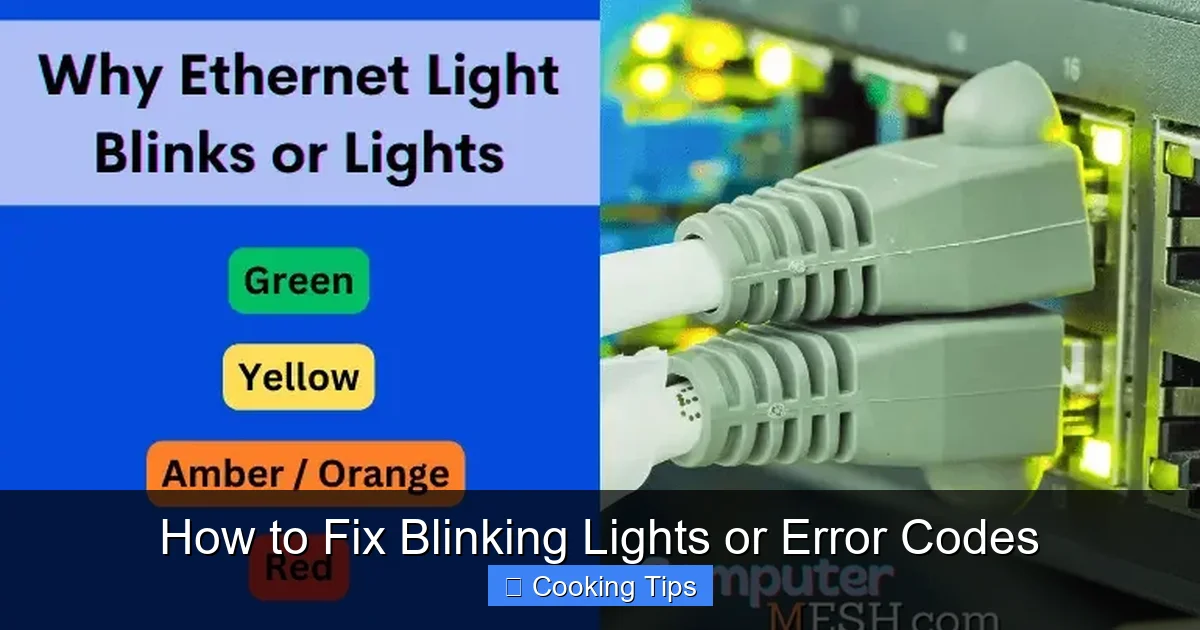
Experiencing blinking lights or confusing error codes on your appliances? Don’t panic! This comprehensive guide will walk you through the most common reasons for these signals and provide step-by-step solutions to get your devices back to normal operation in no time. Learn how to diagnose, troubleshoot, and fix common blinking light and error code issues.
How to Fix Blinking Lights or Error Codes
Those blinking lights and cryptic error codes can be frustrating, can’t they? You’re in the middle of making dinner, or perhaps trying to get a load of laundry done, and suddenly your appliance starts acting up. The display lights up with a sequence of blinks or a strange code, leaving you wondering what on earth is going on. Fear not! In 2026, appliance technology is more advanced, but understanding these signals is still crucial for any home chef or household manager. This guide is designed to demystify those blinking lights and error codes, empowering you to solve common issues yourself. We’ll cover everything from understanding what these signals mean to practical, step-by-step solutions for getting your appliances back in working order.
Key Takeaways
- Understand the Signal: Blinking lights and error codes are your appliance’s way of communicating a problem, ranging from simple user errors to more complex internal issues.
- Consult Your Manual: The owner’s manual is your first and most important resource for deciphering specific error codes and blinking light patterns for your appliance.
- Perform Basic Checks: Many issues can be resolved with simple checks like ensuring proper power supply, checking door seals, and verifying correct settings.
- Resetting is Key: A power cycle or a factory reset often resolves temporary glitches and can clear many common error codes.
- Safety First: Always unplug appliances before attempting any physical inspection or cleaning to avoid electric shock.
- When to Call a Pro: Recognize when an issue is beyond basic troubleshooting and requires the expertise of a qualified technician.
Understanding Appliance Signals
Appliance manufacturers use blinking lights and error codes as a communication tool. They are designed to alert you to a problem, help you identify its nature, and sometimes even guide you toward a solution. Think of them as your appliance speaking a secret language, and this guide is your decoder ring!
Common Meanings of Blinking Lights
Different patterns of blinking lights can indicate various issues. For example:
- A single, rapid blink might signify a minor setting error.
- A slow, repeating blink could point to a sensor issue.
- Multiple lights flashing simultaneously often indicate a more significant internal problem.
Decoding Error Codes
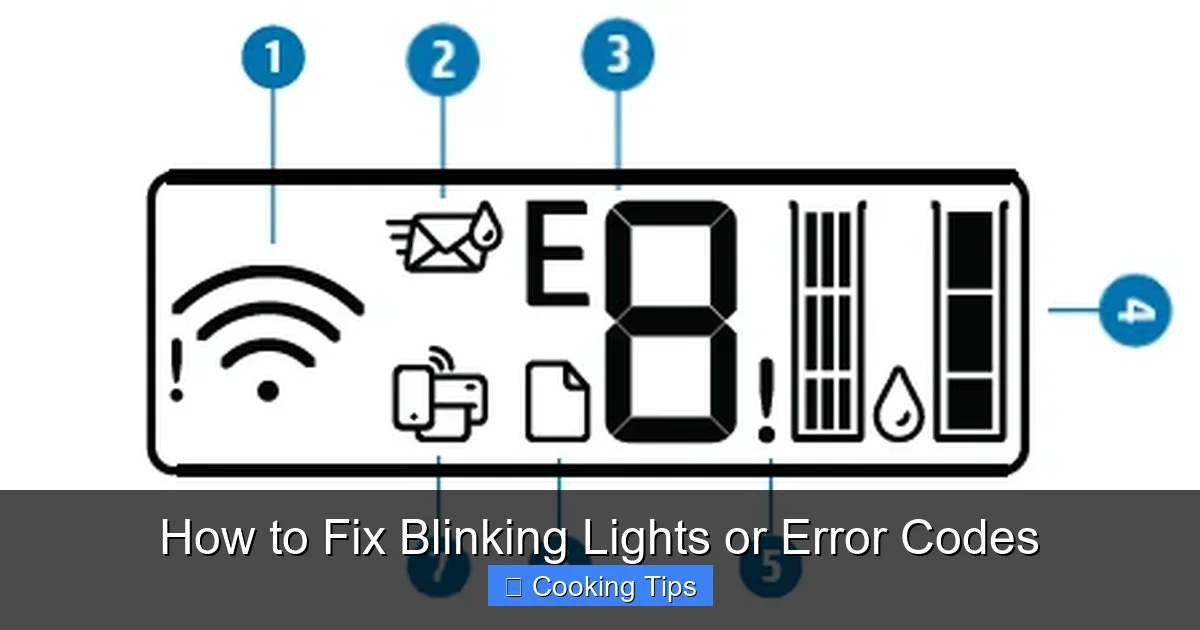
Error codes are typically alphanumeric sequences displayed on digital screens. They are usually more specific than blinking lights. For instance, “F2” on a washing machine might mean a water level problem, while “E5” on an oven could indicate a heating element failure.
Your First Steps: Preparation and Diagnosis
Before diving into specific fixes, it’s essential to gather information and perform some basic checks.
Visual guide about How to Fix Blinking Lights or Error Codes
Image source: cdn.yoo.rs
Step 1: Consult Your Owner’s Manual
This is by far the most critical step. Your appliance’s owner’s manual is tailored to your specific model and will provide the definitive meaning of any blinking lights or error codes. It often includes troubleshooting sections that can resolve many common problems.
Where to find your manual
If you’ve misplaced the physical copy, don’t worry. Most manufacturers make their manuals available for download on their official websites. You’ll usually need your appliance’s model number, which can typically be found on a sticker inside the door, on the back, or on the side of the appliance.
Step 2: Note the Specifics
Before you do anything else, take a moment to observe the blinking lights or write down the exact error code displayed. Pay attention to:
- The pattern of blinking lights (e.g., how many times it blinks, if it’s fast or slow).
- The exact characters of the error code.
- Which lights are blinking (if applicable).
Having this information will make it much easier to find the correct solution in your manual or online.
Step 3: Safety First!
Always unplug the appliance from the power outlet before attempting any physical inspection or cleaning. This is crucial to prevent electric shock, especially when dealing with electrical components. For gas appliances, ensure the gas supply is turned off before proceeding with any internal checks.
Common Blinking Light and Error Code Fixes
Now that you’ve prepared, let’s look at some common issues and how to fix them.

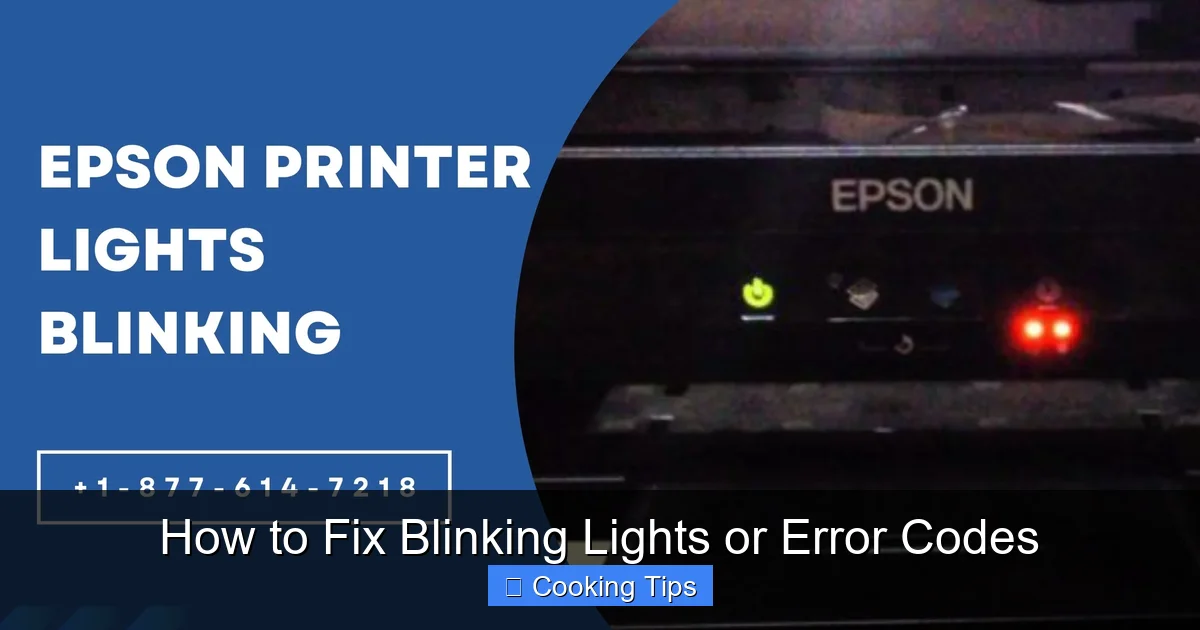
Visual guide about How to Fix Blinking Lights or Error Codes
Image source: i.ytimg.com
Fixing Power Supply Issues
Sometimes, blinking lights are simply a sign of an unstable power supply.
Check the Outlet and Plug
Ensure the appliance is securely plugged into the outlet. Try plugging another small appliance into the same outlet to confirm it’s working. If the outlet is dead, the issue might be with your home’s circuit breaker.
Reset the Circuit Breaker
Locate your home’s electrical panel. Find the breaker that controls the circuit your appliance is on. If it’s in the “off” position or in the middle, flip it completely to “off,” then back to “on.”
Resolving User Error or Setting Problems
Many blinking lights are simple indicators that something isn’t set correctly.
Improperly Closed Doors or Lids
Appliances like refrigerators, dishwashers, and washing machines have safety mechanisms that prevent them from operating if the door or lid isn’t fully closed and latched. Ensure there’s nothing obstructing the door and that it clicks shut properly.
Incorrect Cycle Selection
For washing machines, dryers, and dishwashers, double-check that you have selected the correct cycle and any necessary options. Sometimes an error code can appear if a cycle is paused or interrupted.
Troubleshooting Door or Lid Switches
These switches are small but vital for appliance operation.
Inspect the Switch and Latch
Look for any visible damage or debris around the door switch or latch mechanism. Sometimes, a simple cleaning can resolve the issue.
Performing a Power Cycle (Reset)
A power cycle, often called a reset, can resolve many temporary glitches that cause blinking lights or error codes.
How to Power Cycle
- Unplug the appliance from the wall outlet.
- Wait for at least 5-10 minutes. This allows any residual power to dissipate.
- Plug the appliance back into the outlet.
- Turn the appliance on and see if the error has cleared.
Dealing with Sensor or Component Issues
More complex blinking lights or error codes might indicate a problem with a sensor or a specific component.
Cleaning Sensors
Some appliances have sensors that can become dirty or obstructed. Refer to your manual for the location of these sensors (e.g., in ovens for temperature, in refrigerators for humidity) and how to clean them gently with a soft, dry cloth.
Checking Hoses and Filters
For washing machines and dishwashers, check inlet and drain hoses for kinks or blockages. Clean out any lint traps or filters as per your manual’s instructions. A clogged filter is a common culprit for water-related error codes.
Specific Appliance Examples (2026 Trends)
By 2026, smart appliances are even more integrated. While they offer amazing features, they can also present new types of error codes related to connectivity or software glitches.
Smart Refrigerator Example
A blinking light on a smart refrigerator might indicate a Wi-Fi connection issue. Try reconnecting to your home network through the appliance’s interface or by resetting your router.
Smart Oven Example
An error code like “COM-ERR” on a smart oven could mean a communication error between internal components. A power cycle is often the first step here.
When to Call a Professional
While this guide covers many common fixes, some issues require professional attention. You should consider calling a qualified appliance repair technician if:
Visual guide about How to Fix Blinking Lights or Error Codes
Image source: kaas.hpcloud.hp.com
- The error code or blinking light persists after you’ve tried all the recommended troubleshooting steps.
- The problem involves potentially dangerous components like gas valves or complex electrical wiring.
- You’re uncomfortable performing any of the suggested steps.
- The appliance is still under warranty, and your troubleshooting attempts might void it.
Remember, safety is paramount. If in doubt, always err on the side of caution and seek professional help.
Conclusion
Blinking lights and error codes don’t have to be a source of stress. By understanding that these are your appliance’s way of communicating, and by having a systematic approach to troubleshooting, you can resolve many common problems yourself. Always start with your owner’s manual, prioritize safety, and remember the power of a simple reset. With these tips, you’ll be well-equipped to keep your kitchen and laundry room running smoothly in 2026 and beyond!
