

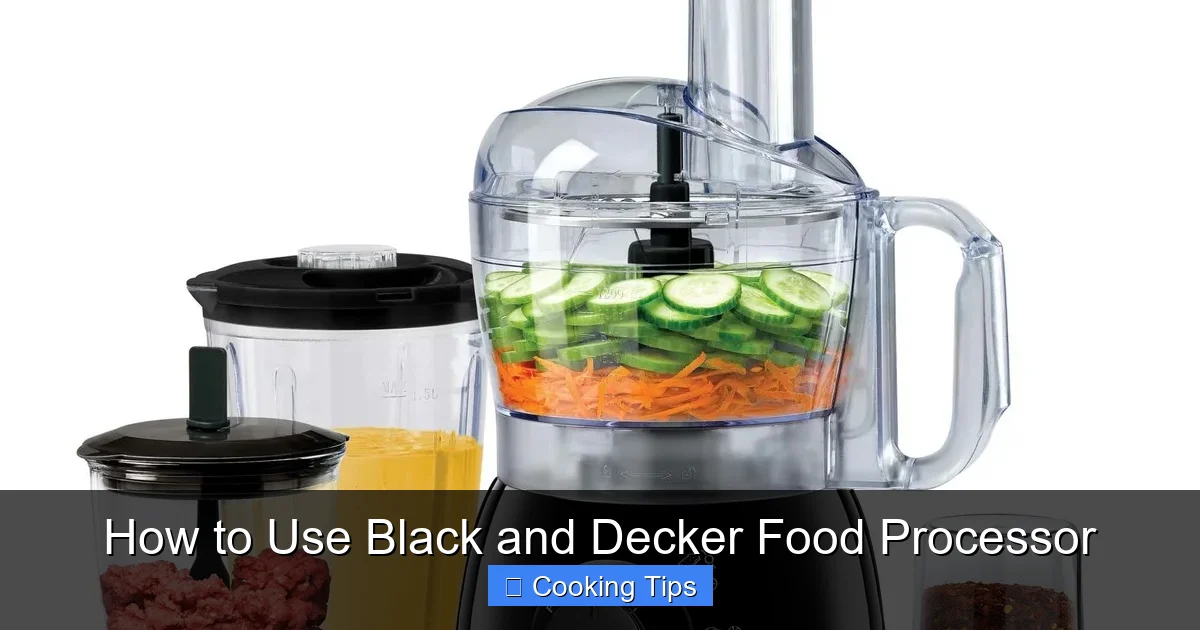
Unlock the full potential of your Black+Decker food processor with this comprehensive guide. Learn everything from safe assembly and operation to effective cleaning and even explore recipe ideas to elevate your kitchen skills. Get ready to simplify meal preparation and achieve consistent, delicious results every time.
How to Use Black and Decker Food Processor
Welcome to your ultimate guide on mastering the Black+Decker food processor! In today’s fast-paced world, especially as we head further into 2026, kitchen appliances that simplify meal preparation are invaluable. Your Black+Decker food processor is a powerful tool that can transform tedious tasks like chopping, slicing, and pureeing into quick, effortless processes. Whether you’re a seasoned chef or just starting your culinary journey, this guide will walk you through everything you need to know to use your food processor safely and effectively. Get ready to unlock a new level of convenience and creativity in your kitchen!
Key Takeaways
- Understand Your Model: Familiarize yourself with the specific features and attachments of your Black+Decker food processor to maximize its capabilities.
- Safe Assembly is Crucial: Always ensure all parts are securely locked in place before operating to prevent accidents and ensure proper functioning.
- Master Attachment Usage: Each blade and disc is designed for specific tasks; learning their purpose will significantly improve your chopping, slicing, and shredding results.
- Proper Food Preparation: Cut ingredients into manageable sizes and avoid overcrowding the bowl for optimal and even processing.
- Effective Cleaning Techniques: Promptly cleaning your food processor after each use prevents food buildup and ensures its longevity.
- Troubleshooting Common Issues: Be aware of simple fixes for common problems like uneven chopping or motor strain.
Getting Started: Unboxing and Familiarization
Before you can start chopping, slicing, and dicing, it’s important to get acquainted with your new kitchen companion.
Unpacking Your Food Processor
Carefully remove all components from the box. You’ll typically find the motor base, the work bowl, the lid, a pusher, and various blades and discs. Check the user manual that came with your specific model to identify each part and its function.
Understanding the Components
* Motor Base: This houses the motor and the controls. It’s essential to keep this part dry and never immerse it in water.
* Work Bowl: This is where you’ll place your ingredients. It usually has a handle and a spout for easy pouring.
* Lid: The lid locks onto the work bowl and has a feed chute for adding ingredients while the processor is running.
* Pusher: This fits into the feed chute and is used to safely guide food down towards the blade.
* Blades and Discs: Your processor will come with a variety of these. Common ones include:
* S-Blade (Chopping Blade): This is your all-purpose blade, perfect for chopping, mincing, pureeing, and mixing.
* Slicing Disc: Used for uniform slicing of fruits and vegetables.
* Shredding Disc: Ideal for shredding cheese, carrots, or potatoes.
Safe Assembly: The Foundation of Operation
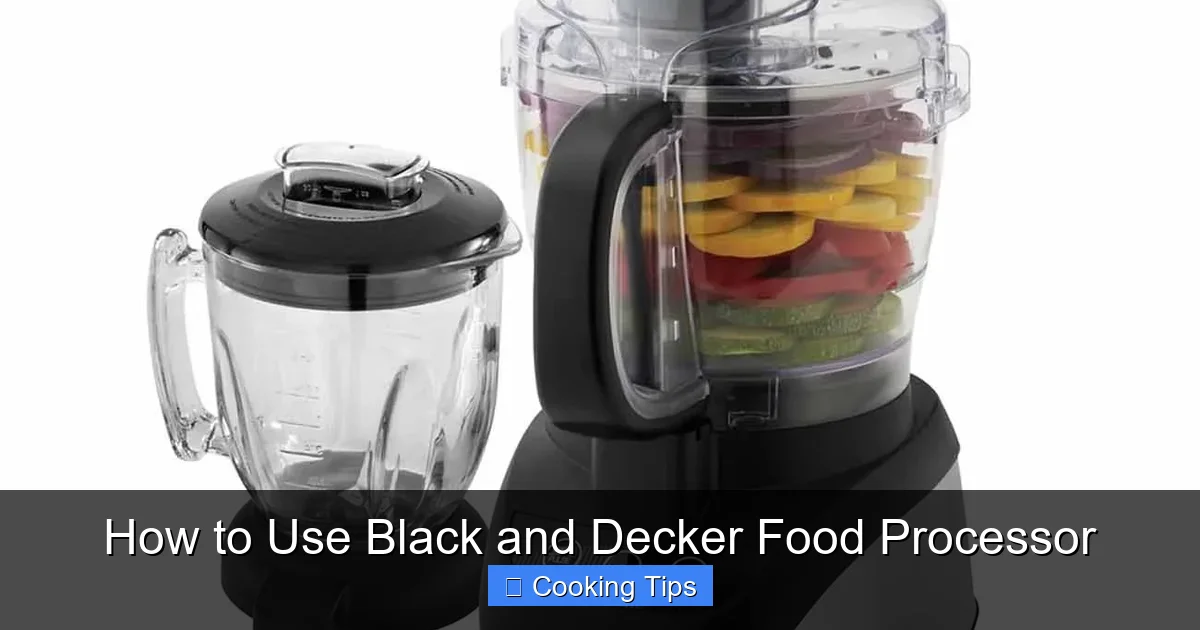
Visual guide about How to Use Black and Decker Food Processor
Image source: bsinghwebshop.com
Safety is paramount when using any kitchen appliance. Proper assembly ensures your food processor works correctly and prevents accidents.
Assembling the Work Bowl and Lid
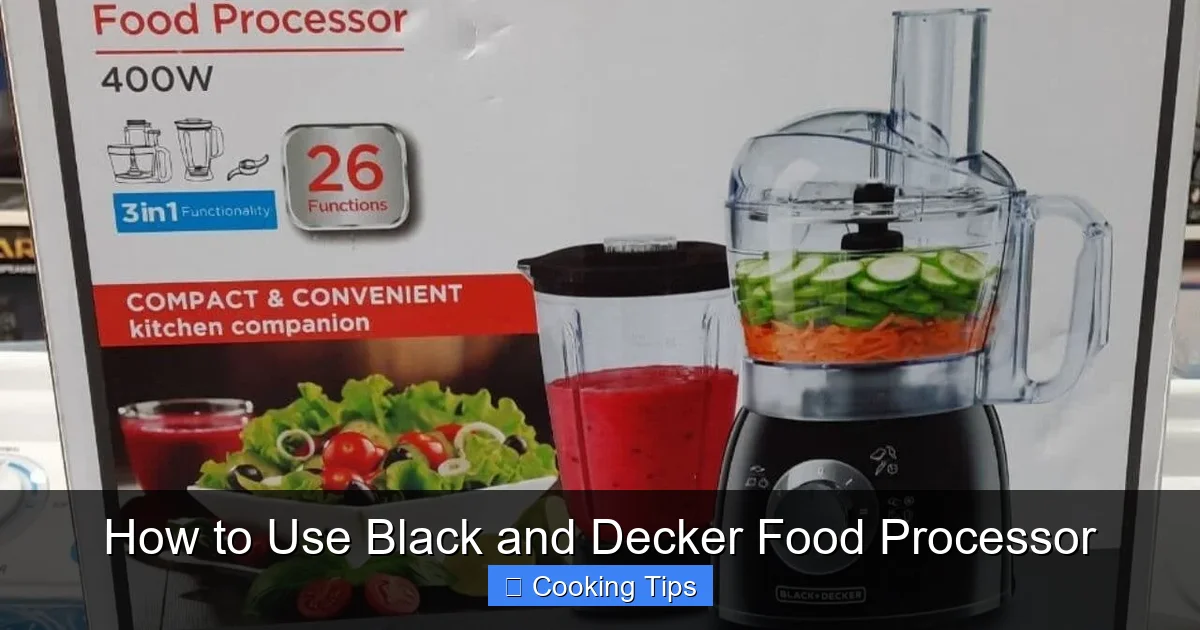
Visual guide about How to Use Black and Decker Food Processor
Image source: d2j6dbq0eux0bg.cloudfront.net
Locking the Work Bowl
Place the work bowl onto the motor base. Most Black+Decker food processors have a locking mechanism. You’ll need to align the bowl with the base and twist it until it clicks securely into place. Some models have tabs on the bowl that align with slots on the base.
Attaching the Lid
Once the work bowl is secured, place the lid on top. Again, you’ll likely need to align it and twist it until it locks. You should hear or feel a click, indicating it’s properly sealed. The motor base will not operate unless the bowl and lid are correctly locked.
Inserting the Blade or Disc
Before adding food, carefully insert the desired blade or disc.
* For the S-Blade: Place the central hub of the blade onto the drive shaft inside the work bowl. It should sit firmly.
* For Discs: Position the disc over the central post within the work bowl. Ensure it is stable. Some discs have a specific top or bottom, so refer to your manual.
Operating Your Black and Decker Food Processor
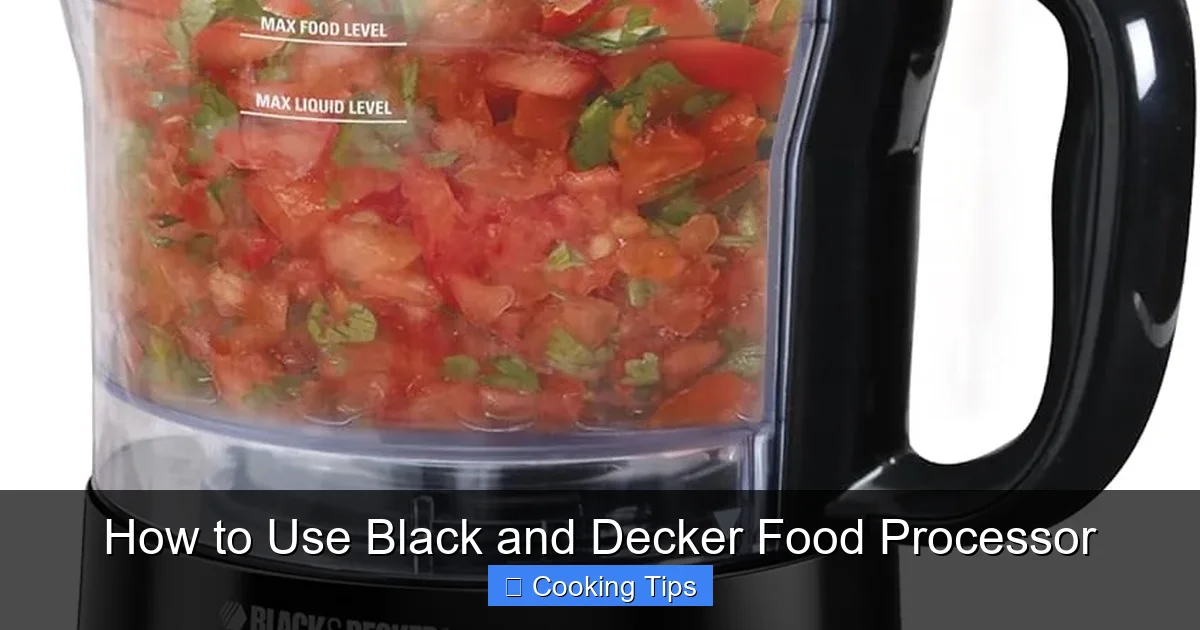
Visual guide about How to Use Black and Decker Food Processor
Image source: images-na.ssl-images-amazon.com
With your food processor assembled, you’re ready to process your ingredients.
Adding Food and Running the Processor
Preparing Your Ingredients
For best results, cut your food into smaller, uniform pieces. This helps ensure even processing. Don’t overfill the work bowl; check your manual for maximum capacity.
Using the Feed Chute
If you need to add ingredients while the processor is running (like oil for mayonnaise or liquids for purees), use the feed chute. Place the pusher into the chute. You can then carefully add ingredients through the opening around the pusher.
Selecting the Speed
Most Black+Decker food processors have multiple speed settings, often labeled “Low” and “High” or with pulse functions.
* “Low” Speed: Good for tasks like shredding or when you want less fine results.
* “High” Speed: Ideal for pureeing, making dough, or achieving very fine textures.
* “Pulse” Function: This is your best friend for controlled processing. It allows you to run the motor in short bursts, giving you more control over the texture. Use the pulse for chopping vegetables to your desired consistency, preventing over-processing.
Starting and Stopping
Turn the dial or press the appropriate button to start the processor. Always use the pusher to guide food down the feed chute when the unit is running. To stop, simply turn the dial back to the “Off” position or release the button.
Practical Tips for Common Tasks
Your Black+Decker food processor can handle a variety of tasks. Here are some tips for popular uses.
Chopping and Mincing
Achieving Perfect Chops
Use the S-blade. Add your ingredients to the work bowl. For a coarse chop, use the “Pulse” function in short bursts. For a finer mince, run the processor on “High” for a few seconds at a time, pulsing as needed. Stop and scrape down the sides of the bowl with a spatula if ingredients stick.
Example: Making Salsa
Roughly chop your tomatoes, onions, and peppers. Add them to the bowl with the S-blade. Pulse a few times until you reach your desired consistency. Add herbs and spices and pulse again briefly.
Slicing and Shredding
Using the Discs
Insert the appropriate disc (slicing or shredding) into the work bowl, ensuring it’s securely seated. Place food into the feed chute. Use the pusher to guide the food onto the disc.
Tips for Even Slices/Shreds
Ensure food is firm and cut to a size that fits comfortably in the feed chute. Avoid forcing food down; let the processor do the work. For shredding, don’t overfill the chute.
Example: Coleslaw
Add shredded cabbage and carrots to the work bowl using the shredding disc. Then, you can add your dressing ingredients and use the S-blade to mix everything for a quick coleslaw.
Pureeing and Making Sauces/Dips
Smooth Results
The S-blade is perfect for pureeing. For very smooth results, process for a longer duration. When making sauces or dips like hummus, you might need to add liquids (like olive oil or water) slowly through the feed chute while the processor is running on a low speed to achieve the desired consistency.
Example: Hummus
Combine cooked chickpeas, tahini, lemon juice, and garlic in the work bowl with the S-blade. Process until smooth, adding olive oil slowly through the feed chute as needed.
Making Dough
For Bread or Pastry
Some Black+Decker models come with a dough blade. If yours does, use that. Otherwise, the S-blade can be used for small batches of dough. Add dry ingredients first, then gradually add wet ingredients. Process until the dough starts to form a ball. Don’t over-process, as this can make dough tough.
Cleaning Your Black and Decker Food Processor
Proper cleaning will keep your food processor in top condition and prevent lingering odors or flavors.
Disassembling for Cleaning
Unplug First!
Always unplug the motor base before cleaning any part of the food processor.
Separating Components
Carefully remove the lid, work bowl, blades, and pusher. Be extremely cautious when handling the sharp blades and discs.
Washing the Parts
Dishwasher Safe?
Check your user manual. Many parts, including the work bowl, lid, pusher, and discs, are often top-rack dishwasher safe.
Hand Washing
If not dishwasher safe, or for a more thorough clean, hand wash all removable parts with warm, soapy water. Use a brush to clean around the blades and discs safely. Rinse thoroughly and dry completely.
Cleaning the Motor Base
Never immerse the motor base in water. Wipe it down with a damp cloth. For stubborn spots, use a mild detergent on the cloth, then wipe with a clean, damp cloth. Ensure it is completely dry before storing.
Troubleshooting Common Issues
Even the best appliances can sometimes encounter minor hiccups. Here are solutions to common problems.
Uneven Chopping
* Cause: Food pieces are too large, the bowl is overfilled, or ingredients are not uniform.
* Solution: Cut ingredients into smaller, consistent pieces. Don’t fill the bowl beyond the maximum fill line. Pulse more frequently and scrape down the sides.
Motor Stops or Seems Strained
* Cause: Overfilling the bowl, trying to process very hard ingredients for too long, or the unit is not assembled correctly.
* Solution: Reduce the amount of food in the bowl. Take breaks when processing tough ingredients. Ensure the bowl and lid are securely locked. Let the motor cool down if it has overheated.
Ingredients Not Processing Effectively
* Cause: Incorrect blade/disc used, or food is too dry.
* Solution: Ensure you are using the correct blade for the task. For pureeing or making sauces, add a small amount of liquid to help things move.
Conclusion
Your Black+Decker food processor is a versatile and powerful kitchen appliance that can significantly reduce your preparation time and elevate your cooking. By understanding its components, practicing safe assembly and operation, and following simple cleaning and maintenance tips, you’ll be well on your way to enjoying perfectly processed ingredients for all your culinary creations. So, go ahead, experiment with new recipes, and let your Black+Decker food processor be your trusted kitchen assistant in 2026 and beyond! Happy processing!
